

PCB Kits: Build Packs for Repeatable Assembly and Test
PCB Kit Build Packs for Repeatable Assembly and Testing
Author: Ban Lv | Published for icallin.com | Updated: October 15, 2026
A PCB kit is ready for repeat builds when another person can identify the parts, assemble the intended version and decide whether it works without asking the designer to fill gaps. That requires a build pack: the matched files, instructions and acceptance criteria supplied with the hardware. For low-voltage development or training kits, release the assembly method and test definition with the board and component set.
Give Every Kit a Defined Configuration
Start with a release identifier that connects the physical board to its documentation. The pack should identify the PCB revision, component-list revision, assembly variant and applicable firmware. A folder called “latest” becomes ambiguous as soon as another revision is released.
Make the supplied configuration visible. Mark which components arrive assembled, which remain loose, and which positions are intentionally unpopulated. If the kit supports alternative circuits or optional features, name each permitted configuration and supply the corresponding instructions. Otherwise, the builder has to infer whether an empty position is an omission or a design choice.
The Open Source Hardware Association's documentation practices distinguish design files, bills of materials, firmware and assembly instructions, and recommend version control. That distinction is useful for a kit even when the project is privately distributed: the PCB files describe an object, while the rest of the pack explains how to produce and operate the intended assembly.
Use a release check to connect each part of the pack to the intended build:
| Build-pack item | Identity to record | Check before assembly |
|---|---|---|
| Board definition | PCB revision and applicable manufacturing files | Match the physical board and released configuration |
| BOM and placement data | Assembly variant, reference designators and approved parts | Reconcile quantities, orientation, fitted parts and intentional omissions |
| Assembly drawing | Drawing revision and delivered condition | Show polarity, access constraints and remaining user operations |
| Firmware, when required | Image version, configuration and programming method | Match the target board and programming connections |
| Test procedure and record | Procedure revision, setup and acceptance criteria | Define unpowered, startup and functional checks with actions for unexpected results |
Resolve conflicting revisions before packing. The checks make the build definition reviewable; successful assembly still depends on following and verifying the procedure for that circuit.
Turn the Parts List Into a Packing Instruction
The bill of materials, or BOM, needs to connect a supplied part with its location on the PCB. Include the reference designator, approved part identity, quantity and any assembly note needed to distinguish it. Keep “supplied loose,” “already assembled” and “not fitted” as separate states.
Label bags or component strips so the builder can find the relevant BOM line. Keep visually similar values distinguishable after the package is opened. Record permitted substitutions before packing; a replacement can change package orientation, lead spacing or the instructions needed to identify polarity.
Treat tools and consumables as explicit inclusions or prerequisites. Adafruit's kit preparation page lists required tools separately and states that they are not included. Follow the same principle of clarity: tell the recipient what must be available before assembly starts, rather than assuming every kit contains solder, a programmer or a power adapter.
Draw the Boundary Between Factory and User Assembly
Choose the division of work around access, equipment and inspection. An SMT subassembly can leave connectors or controls for the user to fit, but the pack must state the delivered condition and the remaining work. Package pitch alone is too narrow a basis for that decision; joint accessibility, the intended builder's tools and the verification method also matter.
For machine-placed components, check that the placement output describes the same variant as the BOM. KiCad's placement-file documentation identifies position, orientation, origin and component-exclusion options. Review those outputs against the physical kit so an intentionally omitted part does not become a purchasing discrepancy.
Write assembly instructions around operations and inspection points. Show polarity using the actual part and board markings. Identify connections that need checking before another component blocks access. Low-to-high assembly can be convenient for some hand-built boards, but a staged electrical test or mechanical constraint can justify a different sequence.

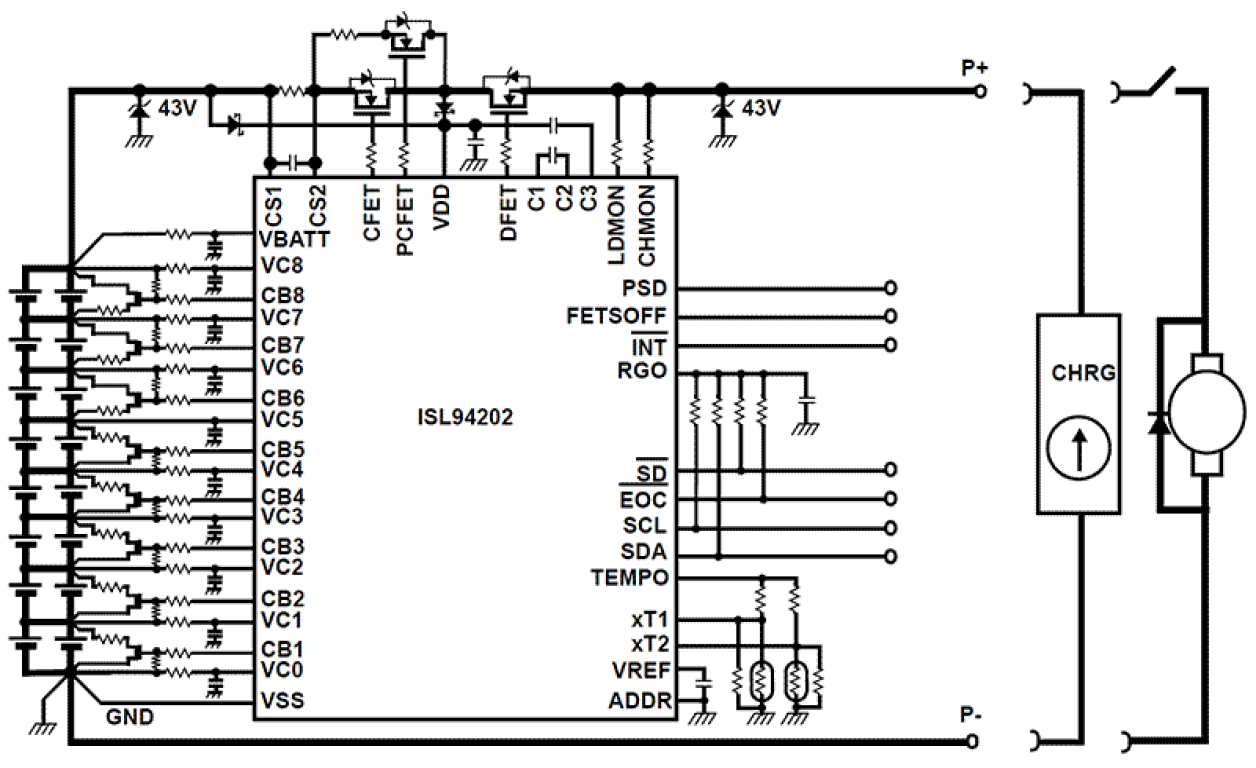
Figure 1: Keep the packed parts, assembly instructions and test criteria tied to the same released kit configuration.
Define What a Successful Test Looks Like
“Check that it works” leaves too much interpretation. For each test, state the setup, connections, instrument mode, expected result and action following a failure. An indicator lighting may confirm one supply path while leaving the main function untested.
Use checkpoints that isolate faults while the relevant circuitry remains accessible. An Adafruit assembly guide demonstrates checking a supply stage before continuing with later components. Apply that principle to the kit's own circuit; derive the expected readings from its approved design and verification work.
Before first power, inspect the assembly and perform the specified unpowered checks. Then follow the documented supply voltage, current limit and connection sequence. Keysight's power-supply guidance explains that current limiting and voltage slew interact during startup. Set the procedure for the actual load, including startup behavior, rather than choosing a generic current limit for every kit.
Likewise, define an expected unpowered resistance check for the particular circuit. Capacitance, protection components and normal load paths affect what a meter displays. Give the builder the measurement points and interpretation needed for that design instead of applying one universal resistance threshold.
If firmware is involved, identify the image, programming connection and required configuration. Separate programming success from functional acceptance: a device can accept code while an input, output or connector remains faulty. Record the completed tests against the kit or assembly identifier.
Independent Assembly Verification
Before releasing a batch, ask a suitable independent builder to use the packed materials and instructions. Record every missing item, unclear orientation, undocumented tool and unanswered test question. Update the pack where help was needed, then repeat the affected operation.
This checks whether the instructions are transferable. Keep the result alongside the release files, and repeat the relevant checks when a component substitution, assembly split or firmware revision changes the build. A successful prototype becomes a repeatable kit through this controlled handoff of knowledge.
Frequently Asked Questions
Are Gerbers and a BOM enough for a PCB kit?
They are important inputs, but the recipient also needs the applicable assembly configuration, instructions, prerequisites and acceptance procedure. Include firmware and programming details where the circuit requires them.
Should every kit be completely hand assembled?
Choose the work split for the intended user and equipment. Preassembly can resolve difficult joints or inspection needs while leaving accessible operations for the builder. Document what has already been fitted and tested, and what remains to be completed.
Release a Build Method With the Hardware
A useful PCB kit turns the designer's assumptions into instructions another person can follow. Align the parts, configuration, assembly stages and tests, then verify the pack before scaling the quantity.
Written by Ban Lv for icallin.com.
Prepare Your PCB Kit Enquiry
Share your board files, component list, planned quantity and assembly scope with icallin to request a PCB or PCBA quotation.